top of page


Step 1.
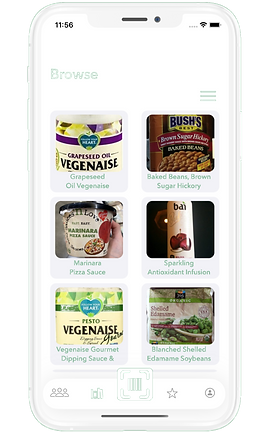
home screen with different food options
When you open the app, you’ll find in the “browse” section, our entire database of foods. By pressing the three lines on the right corner, you’ll be able to filter the food by your dietary restriction.
Step 2.
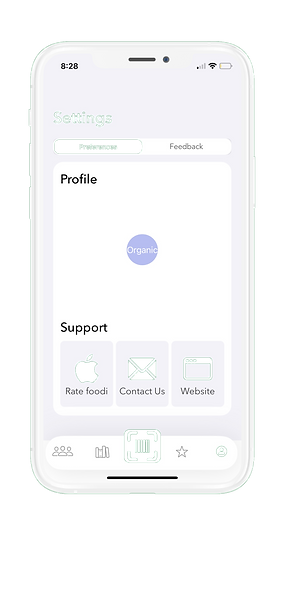
set your profile in accordance to your dietary options
When you click the profile button, you can choose your dietary preference. Additionally, you can rate foodi on the app store, contact our email, our visit our website. The feedback tab will bring you to our feedback form, where you can tell us if there are any improvements you wish foodi had.
Step 3.
scan your food item
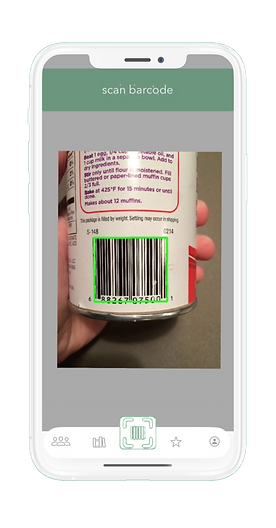
The barcode scanner, in the center of the bottom tab, allows you to scan an item. Simply aim the phone’s camera onto the barcode of the food you want to scan.
Step 4.
view the dietary information provided through foodi
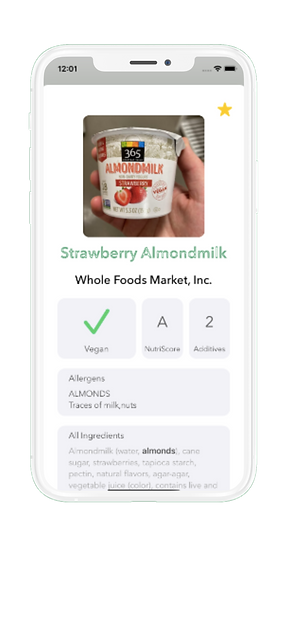
After you scan a food product or press a food product in the “browse” section, you’ll see whether the food fits your preference, through a checkmark or x. It’ll also show the amount of additives, possible allergens, all ingredients, and a nutriscore; You can also star your favorite foods and they’ll show up in the favorites section.
Step 5.
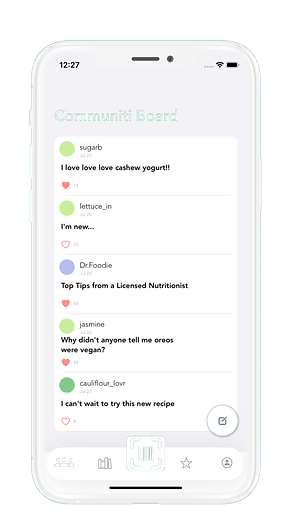
post on our community board
On the very left, you’ll find the communiti board. On the communiti board, you can make suggestions, comments, and motivate others.
Who Are We



bottom of page